Description
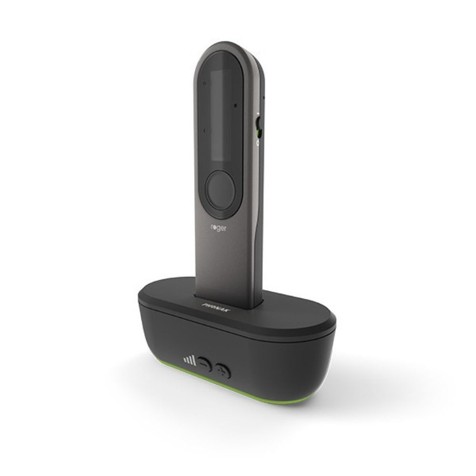
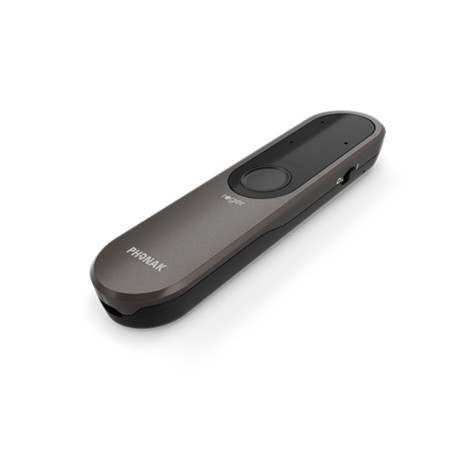
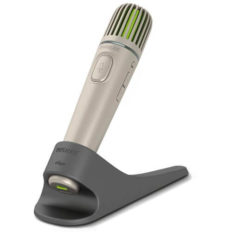
The new Roger On Sphere Unlimited Microphone replaces the Roger On 3, Roger Table Mic, Roger Clip-On Mic, and Roger Select, combining them all into a single device with added versatility.
Powered by Phonak AI technology, Roger On Sphere separates speech from background noise in real time to make focusing on speech easier. It uses always-on Sphere technology to capture and highlight a speaker’s voice.
Roger On Sphere is an all-in-one microphone transmitter that can be placed on a table, clipped to clothing, held in-hand, or connected to TVs and multimedia devices. Multiple Roger On Sphere microphones can be linked together to form a multitalk network in table mode. It automatically analyses the sound environment, identifies who is speaking, and adjusts its settings for clear, natural speech without manual tweaks.
It contains an unlimited amount of licences to activate an unlimited amount of hearing aids with RogerDirect™ – meaning those with compatible hearing aids can get sound straight to their ears with no additional equipment required. Non-Phonak hearing aids can continue to use Roger X receivers or the Roger Neckloop. Compatible Phonak models for RogerDirect installation include Infinio, Lumity, Paradise, Marvel, and NHS Nathos Nova hearing aids.
Please see our range of
Roger On Packs for a complete portable system including microphone and neckloop receivers.
How does it work?
The Roger On Sphere picks-up a speakers voice clearly and sends it via radio frequency to your Phonak Hearing Aids, Roger x receiver or a neckloop receiver.
It can be placed on a table, clipped to clothing, held in-hand, or connected to TVs and multimedia devices, adapting to how it is used.
In table mode, multiple Roger On Sphere units can link together into a multitalk network for group conversations. Its AI and always-on Sphere technology automatically analyse the sound environment, identify who is speaking, and adjust settings in real time to deliver clear speech in noisy environments.
Where can I use it?
Roger On Sphere provides direct wireless sound across a variety of environments that typically require a hearing loop. For example:
Commercial Uses:
- Meeting and Board Rooms
- Halls and Lecture Theatres
- Community Centres and Village Halls
- Council Chambers
- Guided Tours
Personal Uses:
- restaurant dining
- small group conversations
- one-on-one conversations
- during lectures or in class
- watching TV
- Audio/voice from computers, radios and other multimedia devices
What is Roger Technology?
Roger is the exclusive wireless technology from Phonak. Its digital processing and Phonak AI separate speech from background noise in real time and automatically adjust to enhance speech clarity and comprehension, even in noisy situations.
App Control & Compatibility
With the myRogerMic app, you can control your Roger microphone directly from your smartphone. It lets you personalise settings, adjust modes, mute or unmute, and check device status such as battery level.
FAQ
Can more than one Roger Sphere be used together?
Yes. The Roger Sphere microphones can be paired to be used as part of a MuliTalker network.
How many Neckloops can pair with a Roger Sphere at any time?
An unlimited number of neckloops can be paired to a Roger Sphere Microphone.
Will being connected to the Roger On stop me from hearing other sounds such as the telephone ringing?
No. To make sure you can still hear other sounds such as the telephone or doorbell, ensure you are connected to the neckloop using the Mic +T setting on your hearing aids. This means you would be connected to the Hearing Loop but also still have the inbuilt microphone on your hearing aids activated. You may need to speak with your audiologist about this setting and make sure that you have it available, as all hearing aids are different.
Alternatively, the roger on microphone can be activated at the same time as listening to the TV audio. This enables you to continue to have conversations and hear sounds such as the doorbell, whilst still being connected to TV audio.
How does the Roger Sphere connect to my TV?
The Roger Sphere connects to the TV via the docking station either by optical cable into the optical output of the TV, or via regular analogue audio. For further details please refer to the User Manual.
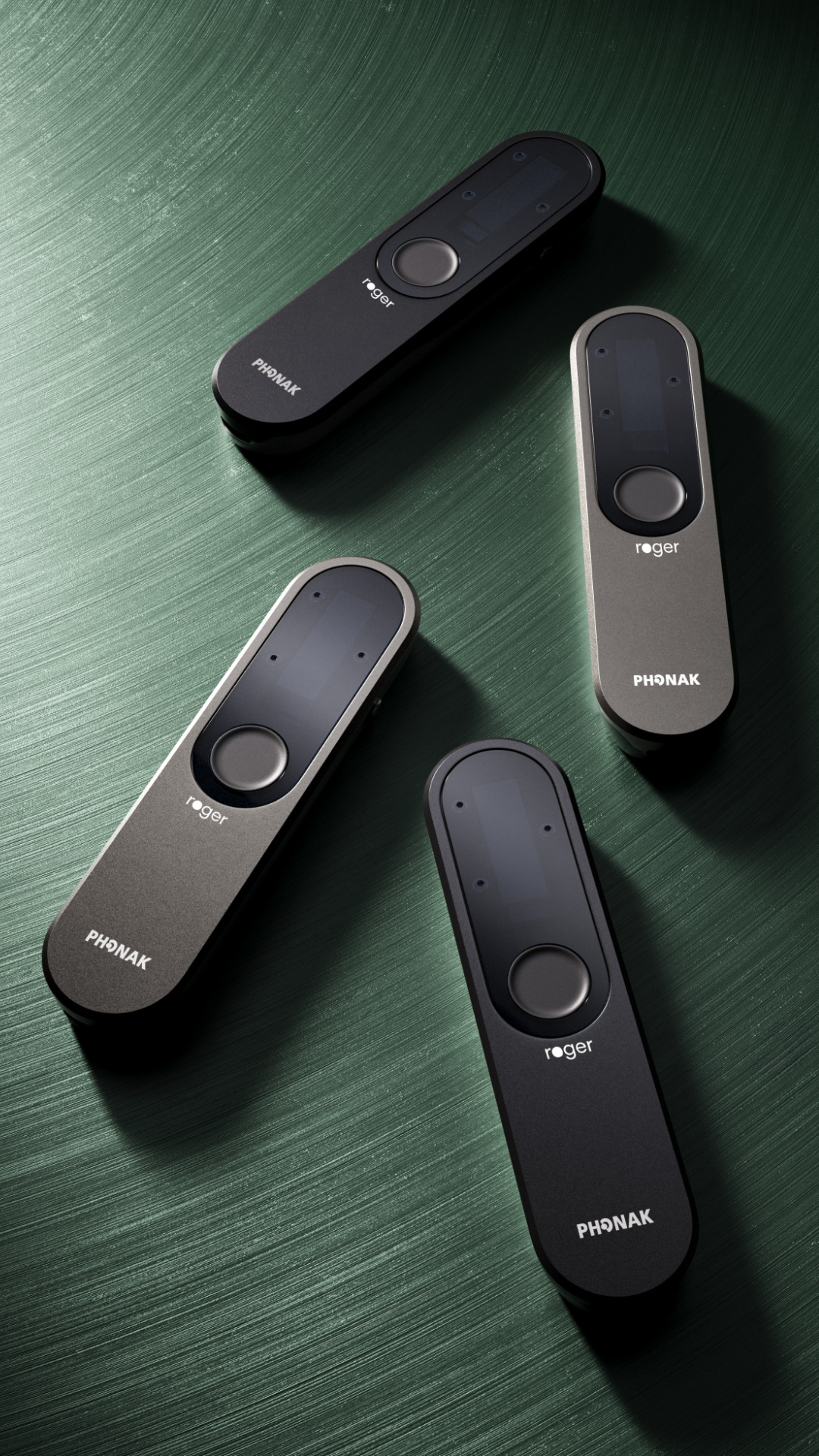
What Colour is the Roger On?
The standard Roger Sphere supplied is velvet black in colour. Graphite Grey is also available, however please contact the office directly should you require this colour finish.
Which Hearing Aids is the Roger Neckloop compatible with?
The Roger Neckloop Universal Receiver is compatible with any hearing aid or cochlear implant with a Telecoil or ‘T’ Setting.
Who can use the neckloop?
It is suitable to be worn by adults, students and children above 8 years old who are hard of hearing.
I don’t use hearing aids. Can I still use a neckloop and access the Roger Sphere hearing loop?
Yes. The neckloop offers a 3.5mm standard jack to connect headphones. This can be done instead of connecting to a hearing aid.
I have a pacemaker. Can I still use the Roger neckloop?
It is advised that the neckloop receiver should be at least 6” away from any pace maker. It is just a guideline however and we would recommend that you seek approval from your cardiologist before using, giving them all the information in the product data sheet found in the “Documentation” tab.
If, having sought advice, the neckloop can-not be worn, there is an option to use the Roger X in place of the Roger Neckloop. This is an ear level universal receiver that fits onto an audio shoe.
What is Roger Direct?
Roger Direct is inbuilt into some hearing aids. It allows roger microphones to stream directly into the hearing aid, without the use of an external receiver. However a licence must be used to activate Roger Direct in each hearing aid. The Roger Sphere comes with an unlimited number of licences for Roger Direct.
I have Roger Direct on my hearing aids, how do I activate this?
You can activate Roger Direct with a licence. A licence can be obtained by purchasing the Roger Touchscreen Microphone, the Roger Sphere, or a Roger X receiver. The Roger X is one licence only and you would require one for each hearing aid.
Can I use the Roger Sphere directly with my Oticon Engage Hearing Aids?
Oticon hearing aids can-not connect directly to the Roger Sphere. If your hearing aid has a T-Coil setting, the most cost effective solution would be to use the Roger Neckloop with the Roger Sphere.
If you don’t have a T-Coil setting and this can’t be enabled, then you would need to purchase an Oticon Edumic along with a Roger X Receiver to use with the Roger Sphere Microphone. The Roger X Receiver contains the software required for the Roger Sphere to connect to and is used instead of the Neckloop. This plugs into the Oticon Edumic which then wirelessly connects to the your Oticon hearing aids using its own program.
 01142 357717
 info@hearingloop.co.uk





Reviews
There are no reviews yet.